

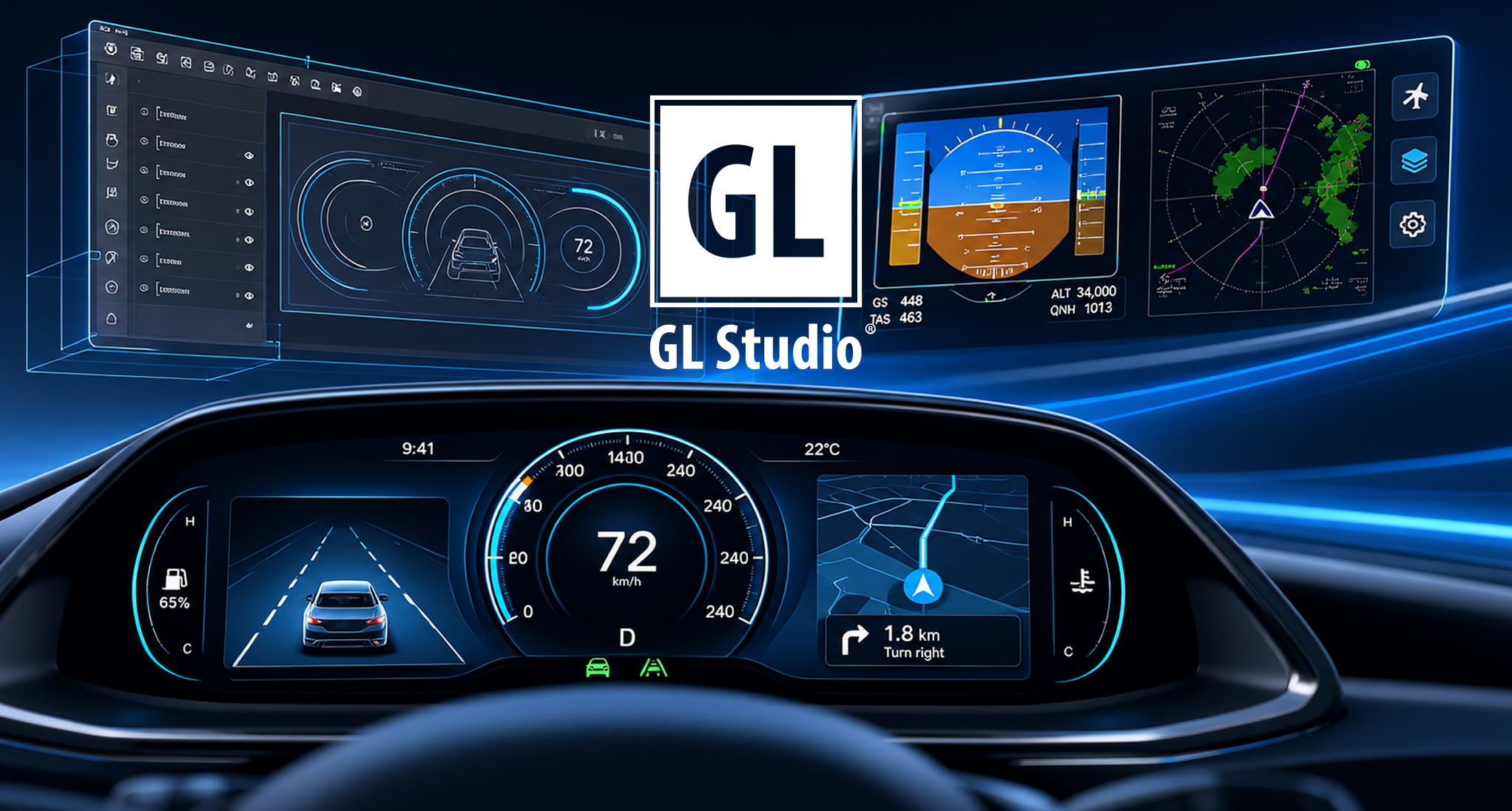
The real challenge in embedded HMI development isn't how sophisticated an interface can look, but how much visual complexity the production hardware can sustain.
Richer 2D and 3D graphics place greater demands on processing power, memory, and rendering performance. When those demands exceed available resources, engineering teams face additional optimization, design compromises, hardware upgrades, and repeated validation, all of which can affect production schedules and costs.
GL Studio® helps teams manage this balance, bringing greater visual capability into embedded environments without making increased engineering complexity or hardware investment the default compromise.
When Better-Looking HMIs Start Creating Bigger Engineering Problems
As HMI designs become more visually sophisticated, engineering teams must accommodate increasingly demanding graphics without disrupting the performance of the underlying embedded system. The difficulty emerges when approved visual requirements exceed the resources available on production hardware.
Richer HMIs, Greater Visual Demands
Modern instrument clusters, cockpit displays, and industrial interfaces increasingly rely on interactive 3D graphics, animated indicators, and continuously updated system information.
These elements improve how information is presented, but they also introduce rendering workloads that must operate alongside diagnostics, application logic, and other embedded functions.
The engineering challenge is determining how much visual complexity the target platform can reliably support.
The Resource Cost of Advanced Graphics
High-resolution textures consume memory, complex 3D scenes increase GPU workloads, and frequent animations place additional demands on frame processing.
When graphics consume more resources than allocated, engineers may need to optimize rendering routines, simplify approved designs, or select higher-specification hardware.
Each option carries a cost. Optimization consumes development hours, redesign requires additional review, and hardware changes can increase component expenses across an entire production run.
Visual Fidelity on Production Hardware
A prototype running smoothly on a workstation may struggle to maintain consistent frame rates once deployed to an embedded processor with tighter CPU, GPU, and memory limits.
Problems discovered during integration can force teams to revisit graphical assets, modify rendering behavior, and repeat validation against system requirements.
What could have been resolved during early development becomes more expensive when it affects completed engineering work and production schedules.
More Visual Capability, Less Engineering Overhead
The objective is to support richer graphics without making every improvement dependent on additional processing capacity or custom optimization.
GL Studio® addresses part of this challenge through its efficient native graphics runtime and embedded-focused architecture. By limiting unnecessary runtime overhead, it can help teams use available processing resources more effectively rather than immediately compensating with more powerful hardware.
Its reusable graphics components also reduce the need to recreate common interface elements across applications, leaving engineering teams more time for product-specific integration and functionality.
The advantage is not simply better-looking graphics. It is greater control over the engineering work and hardware resources required to deliver them in production.
How Graphics Architecture Determines the Cost of a More Sophisticated HMI
Greater visual sophistication comes with a resource cost. Every additional 3D object, texture, and graphical layer adds work to the rendering pipeline. On embedded hardware, where processing capacity and memory are limited, those demands can influence hardware specifications, engineering effort, and production budgets.
The question for HMI teams is not simply whether the graphics can run, but what it takes to make them run within the target platform's performance budget.
For OEMs, upgrading processors can increase per-unit costs and require additional hardware and software validation. GL Studio® helps engineering teams make better use of existing resources, supporting richer HMI graphics while limiting unnecessary hardware upgrades, design compromises, and associated production costs.
How Real-Time HMI Performance Affects User Experience
An HMI can render sophisticated graphics correctly and still feel slow. On an embedded target, rendering shares processing resources with input handling, communication stacks, diagnostics, and live data processing. When these workloads compete, inconsistent frame delivery can cause controls to hesitate or gauges to lag behind the systems they represent.
Keep Input and Visual Feedback in Sync
An operator's input must pass through application logic before the display reflects the resulting change. When graphical responses are implemented separately for each project, engineers must develop, integrate, and validate additional interaction code.
The cost becomes apparent during integration. If visual feedback is delayed, engineers may need to investigate input handling, rendering, and task scheduling to identify the bottleneck.
GL Studio® provides built-in interaction behaviors, reducing the need to recreate common graphical responses. This allows engineers to concentrate on connecting the interface to application-specific inputs and system functions, although end-to-end responsiveness still depends on the complete system architecture.
Maintain Smooth Motion Under Real Workloads
Average frame rates do not always reveal rendering problems. A display targeting 60 frames per second has approximately 16.7 milliseconds per frame, yet occasional delays can still produce visible stuttering.
These issues may become apparent when live sensor updates, communication tasks, and animations occur simultaneously.
GL Studio's built-in animation system reduces the need to develop common animation functionality from scratch. Engineering teams can then focus on integrating live data and validating frame-time consistency under representative workloads.
Validate Responsiveness Before Production
Input-to-display latency and frame timing should be measured on production-representative hardware while the application processes live data and other system tasks.
Problems discovered late may require rendering changes, application debugging, and repeated validation, potentially affecting release schedules.
Measuring responsiveness under actual operating conditions helps teams distinguish graphics limitations from broader system bottlenecks and address them before production commitments.
When HMI Design Decisions Become Engineering Costs
An HMI design may look complete at approval, but the engineering work required to reproduce it on embedded hardware can reveal a different reality. Complex interactions, graphical behaviors, and system integration requirements may force teams to revisit decisions that were already finalized.
When design and engineering operate in separate workflows, these adjustments can trigger duplicated implementation work, additional approvals, and repeated validation.
Three areas determine how quickly those costs accumulate:
- Late feasibility checks: When visual requirements are approved without considering embedded implementation constraints, engineers may need to simplify interactions or modify graphical elements during integration. Each revision can create another cycle of design review, implementation, and testing.
- Manual design-to-code translation: Recreating approved graphics and behaviors in a separate development environment introduces additional engineering effort and opportunities for inconsistencies. GL Studio® generates native C++ code from its visual development environment, reducing the need to rebuild graphical functionality while allowing engineers to integrate application-specific logic.
- Changes during system integration: Connecting an HMI to live system data, diagnostics, and control functions can expose requirements that were not apparent during design. GL Studio's reusable components, customizable behaviors, and generated source-code access help teams adapt existing graphical functionality rather than recreate it for every change.
The value of maintaining continuity between design and engineering becomes clear during production. Fewer implementation gaps mean less rework, fewer repeated approval cycles, and more engineering capacity available for product-specific functionality.
How HMI Graphics Performance Drives Product Differentiation and Value
Graphics performance becomes commercially relevant when it influences how users experience the finished product. In cockpit displays, instrument clusters, and industrial HMIs, inconsistent rendering or unclear visual feedback can undermine usability, even when the underlying system functions correctly.
For manufacturers, the challenge is ensuring that graphics quality supports real operational requirements rather than remaining a feature of the design prototype.
A differentiated HMI is not necessarily the one with the most elaborate graphics. It is one that communicates operational information effectively, supports intuitive interaction, and performs consistently on the intended hardware.
For OEMs, that is where graphics investment begins to influence product value: through the experience customers actually receive, rather than visual capabilities demonstrated during development.
The Engineering Cost of Making Advanced HMI Graphics Production-Ready
Sophisticated HMI graphics must do more than deliver visual quality. They must operate reliably on embedded hardware, meet defined timing requirements, and integrate with other system functions.
In aerospace, automotive, and industrial applications, performance issues discovered late can trigger additional optimization, revalidation, and production delays.
Where Production Readiness Drives Engineering Costs
- Late-stage performance fixes: Rendering issues discovered during integration may require graphics optimization, code changes, and repeated testing, increasing engineering hours and schedule pressure.
- Embedded resource constraints: Spacecraft displays, avionics systems, and industrial HMIs must operate within defined processing, memory, and power budgets. Exceeding those limits can force hardware changes or interface redesign.
- Predictable system behavior: Safety-critical applications require performance within specified timing limits. Inconsistent rendering behavior can introduce additional debugging, scheduling analysis, and verification work.
- Safety and validation requirements: Changes to graphical functionality in regulated systems may require updated verification evidence, increasing the cost of late revisions.
How GL Studio® Helps Control Production Engineering Costs
- Less duplicated development: Reusable graphics components reduce the need to rebuild common HMI functionality, allowing engineers to focus on application-specific requirements.
- Lower integration overhead: Customizable graphical behaviors and source-code access help teams adapt existing functionality instead of repeatedly implementing standard interface elements.
- Support for safety-critical development: GL Studio Safety-Critical provides specialized development and certification-support capabilities for applications with stringent assurance requirements.
- Greater hardware flexibility: DiSTI's demonstrated GL Studio SC software-rendering approach on Microchip's PolarFire® SoC FPGA offers an implementation option for systems without dedicated GPU hardware.
- More predictable production planning: Addressing graphics implementation and platform constraints earlier can reduce avoidable rework and late-stage validation pressure.
For engineering and program leaders, the priority is keeping graphics implementation and verification effort proportionate to the product's requirements, rather than allowing late performance corrections to consume resources intended for differentiated functionality.
The Long-Term Cost of Running Out of HMI Performance Headroom
An HMI that meets today's performance requirements may struggle with tomorrow's. Additional display functions, richer visualizations, and new product variants can increase processing and memory demands over successive releases.
When the original implementation leaves little capacity for expansion, even modest updates may require extensive optimization, hardware changes, or redevelopment.
Why Performance Headroom Matters Across the Product Lifecycle
- Capacity for future features: New displays, animations, and data visualization requirements consume additional resources. Without sufficient headroom, each enhancement can trigger another round of performance optimization.
- Avoiding premature platform changes: When CPU, GPU, or memory usage approaches hardware limits, expanding HMI functionality may require a processor upgrade. That decision can introduce new integration, qualification, and component costs.
- Reusing proven functionality: Developing multiple product variants often means adapting existing interfaces. Rebuilding graphics for every variation consumes engineering time and increases the amount of functionality requiring validation.
How GL Studio® Supports Long-Term HMI Flexibility
GL Studio's efficient runtime helps teams manage graphics resource consumption, while its reusable packages, customizable behaviors, and source-code access allow existing interface functionality to be adapted as requirements evolve.
This does not guarantee unused processing capacity. Engineering teams must still measure available headroom and assess the impact of new features on the intended hardware.
For OEMs and suppliers managing multi-year product roadmaps, preserving room for future functionality can reduce redevelopment pressure, delay unnecessary platform changes, and protect the value of the original HMI investment.
Where GL Studio's Graphics Foundation Creates the Greatest Commercial Value
The commercial value of HMI graphics depends on where engineering effort, hardware costs, and production risks arise. GL Studio® helps different stakeholders address these pressures through its embedded-focused development approach.
This is closer to DiSTI's thought process because each row connects a real program cost to a relevant GL Studio® capability and a plausible business consequence.
Importantly, hardware savings, reduced rework, and schedule improvements are potential outcomes, not guaranteed results. They depend on the target platform, project requirements, and implementation.
Evaluate HMI Graphics by What Reaches Production, Not What Looks Good in a Prototype
An impressive HMI prototype proves visual capability, not production readiness. The real test is whether those graphics can operate consistently on target hardware without introducing excessive engineering work, hardware costs, or integration risks.
Before selecting an HMI graphics platform, engineering teams should evaluate five critical factors:
- Beyond visual capability: Assess the implementation effort required to turn sophisticated 2D and 3D concepts into functional embedded applications.
- Real hardware constraints: Test graphics against actual CPU, GPU, memory, and power budgets under representative operating conditions.
- Cost of visual complexity: Account for optimization hours, potential hardware upgrades, and additional validation—not just development tool costs.
- Production responsiveness: Measure frame-time consistency and input latency while live data and other system workloads are running.
- Engineering economics: Evaluate component reuse, integration requirements, and long-term maintenance alongside graphics performance.
GL Studio® provides an embedded-focused graphics foundation, but its suitability should be demonstrated through testing on the intended platform. The decision should come down to what engineering teams can reliably deliver, validate, and maintain within the product's performance requirements and lifecycle budget.
Conclusion
Advanced HMI graphics deliver lasting value only when their visual sophistication can be maintained on production hardware without excessive optimization, repeated engineering work, or costly platform changes. For OEMs and embedded engineering teams, decisions around rendering performance, resource utilization, and system integration directly influence development schedules and lifecycle costs.
DiSTI's GL Studio® embedded HMI development software helps address these pressures through efficient graphics execution, reusable interface components, and greater continuity between HMI design and implementation. The result is a more practical foundation for delivering responsive 2D and 3D interfaces, preserving engineering capacity for product-specific functionality, and strengthening product differentiation without unnecessarily increasing production complexity.
Make Your Next HMI More Capable, Not More Costly

